How to Track Content Approvals Across Multiple Projects (Without Missing One)
25 Sep
Table of Contents
ToggleHow to Track Content Approvals Across Multiple Projects (Without Missing One)
To eliminate creative review bottlenecks and manage content approval efficiently across multiple initiatives, utilize a centralized workspace featuring a Global Asset View and dedicated My Work section. By combining multi-project global asset search and status-based filtering (Approved, In Progress, Rejected), teams can bypass project-switching fatigue, instantly locate files, and clear their review workflow backlog in record time.
TL;DR
- Stop Project-Hopping: Eliminate the administrative tax of jumping between siloed folders by using a unified global asset library.
- Streamline Task Management: Use dedicated hubs like “Needs My Review” in “My Work” to isolate actionable items and track reviews across every project.
- Secure Collaboration: Maintain strict confidentiality through inherited permission models that automatically restrict external users and instantly revoke access when assignments change.
Stop wasting hours jumping between siloed folders just to find a single file. If your team manages multiple initiatives, running a content approval process shouldn’t feel like a high-stakes scavenger hunt. Yet, for countless creative teams, agencies, and enterprise organizations, the daily routine involves an exhausting cycle of logging in and out of disconnected workspaces just to verify if a design asset has been approved.
Effective cross-project asset management requires far more than basic cloud storage, it demands a centralized command center that cuts through operational noise. Exploring how modern organizations eliminate creative review bottlenecks reveals why a unified review workflow is the ultimate antidote to project-switching fatigue and delayed timelines.
Why Content Approvals Get Missed in Multi-Project Teams
When digital files, design mockups, training modules, and video cuts are scattered across dozens of individual project directories, reviews inevitably stall. Reviewers waste valuable minutes hunting for links, digging through buried email notifications, or trying to remember which version of a document is the current working copy.
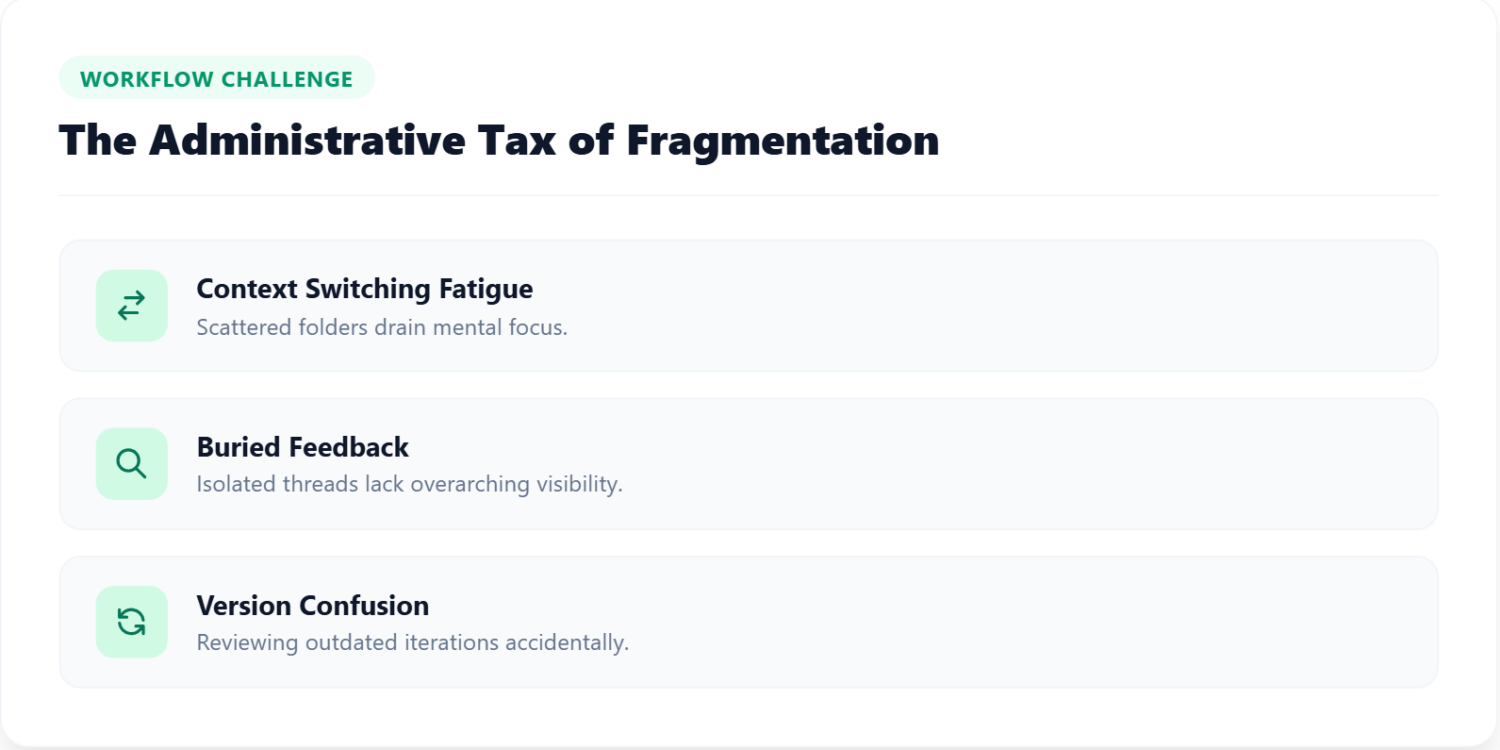
The Administrative Tax of Fragmentation
- Context Switching Fatigue: Moving constantly between different client or departmental folders drains mental energy and disrupts deep focus.
- Buried Feedback: Comments left in isolated project threads are easily missed by cross-functional team members who lack overarching visibility into the content approval process.
- Version Confusion: Stakeholders often review outdated iterations because there is no single, easy-to-find list.
This fragmentation creates a massive administrative tax. Without a proper review workflow in place, deadlines slip, feedback gets lost in translation, and reviewers experience severe approval fatigue. Solving this structural challenge requires shifting away from siloed folders toward unified asset visibility and streamlined content approval management.
4 Things a Centralized Approval Dashboard Needs
Bringing order to a chaotic review cycle starts with transforming how files are accessed and organized across the entire workspace. Modern collaboration platforms must bridge the gap between high-level macro tracking and granular, file-level execution.
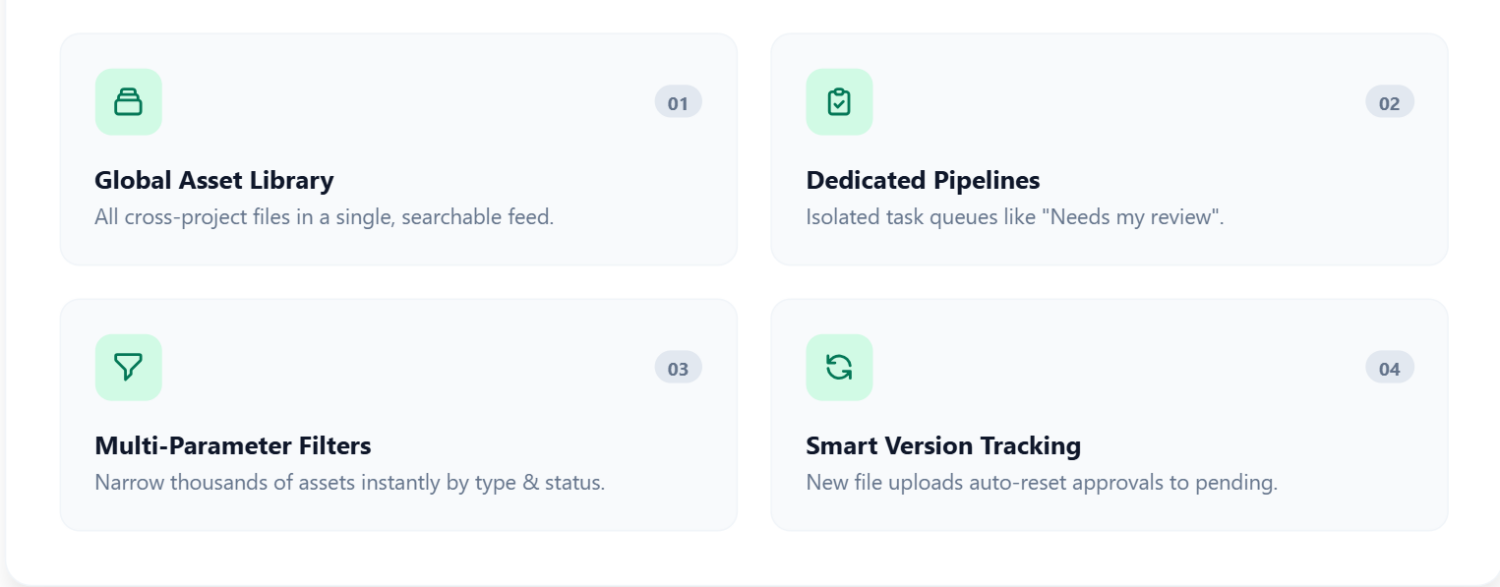
Search Every Project’s Files in One Place
Instead of opening separate projects one by one, teams need the ability to browse every file they have access to in a single, searchable feed. You can also easily find the asset you’re looking for using the global search feature, various filtering options, and plenty of sorting options, all built to support a faster content approval cycle.
A Personal Review Queue
A truly efficient review workflow separates general asset browsing from active task management. Dedicated hubs, such as the My Work section, isolate actionable items into distinct categories like Reviewed and Needs My Review. This ensures individual contributors can immediately identify what requires their personal attention without sorting through irrelevant files, saving reviewers significant time when tracking outstanding content approval items across different projects.
Filters by Project, File Type and Status
Finding an asset can be time-consuming without the right tools. By combining project name filters, file format types (images, videos, documents, prototypes), and asset status (Approved, In Progress, Rejected), teams can narrow down thousands of organizational assets in seconds, keeping the content approval process fast even at scale.
Once you open a file, you can also filter feedback inside a single review by internal or external reviewer, so you only see the comments that matter.
Version Tracking That Resets Old Approvals
Smart version tracking in zipBoard’s Global Asset View guarantees total team accountability by automatically managing how approvals transition when new file iterations are uploaded. If you review and approve iteration version 1, and an uploader subsequently publishes version 2, your previous sign-off is instantly reset to pending. The asset moves right back into your active “Needs My Review” queue against the new version, ensuring no critical feedback is missed during fast-paced document approval workflow cycles.
Keeping Permissions Tight as You Scale
As organizations scale, managing multiple concurrent accounts introduces complex security and visibility challenges. Effective multi-project asset search must balance speed with uncompromising confidentiality and role-based integrity, without ever compromising the content approval chain of custody.
Inherited Permission Models
A global search hub cannot act as a backdoor that bypasses security. zipBoard solves this through an inherited permission model. The global workspace acts as a secure lens over existing project permissions rather than granting blanket organizational access:
- Account Owners & Admins: Maintain comprehensive, organization-wide visibility across all assets and active projects.
- Managers: Oversee comprehensive asset access across all assigned and managed portfolios.
- Collaborators: Access only those assets residing inside projects to which they are explicitly assigned, matching their exact scope.
- External Clients & No-Login Guests: Remain strictly insulated within single-project portals, entirely cut off from global views to maintain absolute data privacy.
Instant Access Revocation
Security isn’t just about what people can see — it’s also about what happens when relationships change. If a reviewer or external contributor is unassigned from a project mid-review, their access is instantly revoked. Any pending tasks or files associated with that project vanish immediately from their global list views and personal task boards, safeguarding intellectual property and preserving the integrity of the content approval record without requiring manual administrative cleanup.
How zipBoard's Global Asset View Puts This into Practice
To truly modernize your organization’s creative operations, you must address the core friction points that cause reviews to drag on for weeks. By replacing manual folder navigation with zipBoard’s organized Global Asset View, teams experience immediate operational benefits:
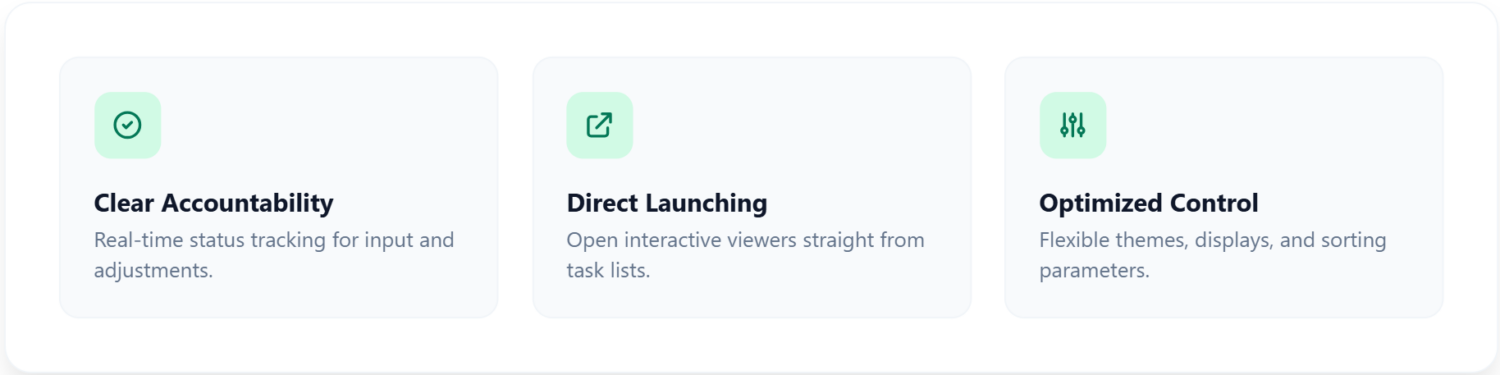
- Clear Accountability: Real-time status badges (In Review, Changes Requested, Resolved) instantly communicate whether a file is waiting on reviewer input or uploader adjustments.
- Direct Asset Launching: Reviewers can open files directly from their task lists, launching interactive viewers without rummaging through different projects to find the asset they’re looking for.
- Optimized Customization: Flexible display modes, theme toggles (Light Mode and Dark Mode), and robust sorting parameters (Last Activity, Due Date, Asset Name) allow every user to tailor their content approval workflow to their exact working style.
Want to see it in action? Watch how review and approval works in zipBoard.
Frequently Asked Questions (FAQ)
The Global Asset View is a centralized feed that allows teams to browse and search through every file they have access to across multiple projects simultaneously, eliminating the need to open separate project folders one by one.
The “My Work” section provides dedicated hubs, such as “Needs my review” and “Reviewed”, that isolate actionable items. This allows individual contributors to immediately see what requires their attention without sorting through irrelevant files.
Users can narrow down thousands of assets in seconds by combining multi-parameter filters (such as project names, file formats like images, videos, documents, and prototypes, and asset statuses like Approved, In Progress, or Rejected) alongside robust sorting parameters like Last Activity, Due Date, and Asset Name.
When a new file iteration is uploaded (e.g., version 2), any previous approval sign-offs for version 1 are automatically reset to pending. The asset moves right back into the active “Needs my review” queue against the new version to ensure no critical feedback is missed.
zipBoard uses an inherited permission model that restricts visibility based on user roles: Admins & Managers have broad oversight across assigned projects or the entire organization. Collaborators can only access the assets residing inside projects they are explicitly assigned to. External Clients & Guests remain strictly insulated within single-project portals and are cut off from global views. Furthermore, if a contributor is unassigned from a project, their access is instantly revoked, removing those files from their personal task boards.
Yes. Users can tailor their workspace using flexible display modes, theme toggles (Light Mode and Dark Mode), and customizable sorting parameters to match their individual working style.
The Bottom Line
Stop letting scattered files and project-switching fatigue slow down your creative momentum. By bringing cross-project visibility, global asset searching, and dedicated task tracking into one streamlined interface, your team can eliminate bottlenecks, clear your content approval backlog in record time, and focus entirely on what matters most: shipping exceptional work.
Laerdal Medical cut its eLearning review time by 50% with zipBoard. See how teams like Laerdal and KnowBe4 run reviews.
Related Post


Recent Posts
- How to Get SMEs to Review Technical Docs on Time: Deadlines, Reminders and Sign-off October 29, 2026
- Adobe Shared Review Not Working in Edge or After an Update? What Breaks and How to Fix It October 26, 2026
- How to Review AI-Generated eLearning Courses (and Get Them Approved Faster) October 22, 2026
- 7 Best Fieldwire Alternatives for Construction Teams September 29, 2026
- How to Track Content Approvals Across Multiple Projects (Without Missing One) September 25, 2026
Features
Compare
©️ Copyright 2026 zipBoard Tech. All rights reserved.