
05 Aug
SharePoint vs zipBoard for PDF Review: When SharePoint’s Comments Are Enough
Short answer: SharePoint and OneDrive now let people pin comments to a spot on a PDF, reply and @mention each other. If everyone reviewing is inside your Microsoft 365 tenant and you only need their remarks, that’s enough. It stops being enough when the PDF has to ship. Then you need named people to approve
28 Jul
Structured Documentation Review: Why Email and Confluence Break Down at Scale
Why your team needs structured document review tool? A structured documentation review tool provides a centralized, visual proofing environment that replaces informal feedback channels like email, Confluence, and SVN comment threads. Designed specifically for complex documentation, it streamlines multi-stakeholder feedback with pixel-accurate markup, automated timestamp for clear audit trail, and clear approval workflows. When teams
06 Jul
Document Collaboration for Efficient Workflow Management
Scaling B2B Content Operations with Document Collaboration Tool How does zipBoard scale B2B content operations? zipBoard scales B2B content production by centralizing reviews into a single visual markup canvas, turning unstructured feedback into actionable tasks, and allowing unlimited external collaborators (like clients or SMEs) to review and approve documents without requiring a software login. Scaling
30 Jun

Subject Matter Expert (SME) Review: A Complete Guide
What is a Subject Matter Expert (SME) Review? An SME review is the stage where subject matter experts verify that technical content is accurate before publication. Reviewing training content instead of documentation? See how to review AI-generated eLearning courses. Verifies accuracy: Confirms content is factually correct, complete, and safe. Named reviewer: Links the verification to
15 Jun

Document Approval Workflow: A Complete Guide
A document approval workflow is the governed stage at the end of a review cycle where named approvers confirm a specific document version is ready for release. Most teams run this through email or comments, producing no audit trail. This guide covers the stages, roles, failure modes, and what separates checkbox approval from governed approval.
02 Jun

Technical Document Review Workflow: Stages, Stakeholders & Approvals
A technical document review workflow is the governed sequence of stages a technical document moves through before publication: peer review, SME review, editorial review, compliance review, and final approval, with defined reviewers, deliverables, and sign-off criteria at every stage. A well-designed workflow gives documentation leads three things: complete review coverage (no SME feedback missed), full
25 Apr
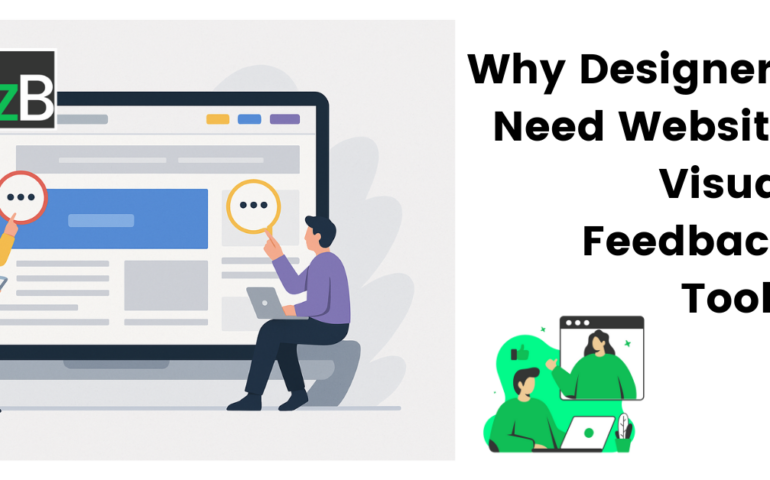
Why Designers Need a Website Visual Feedback Tool: Improve Design Reviews & Client Collaboration
Your Project Plan Is Only Half the Picture You’ve got your project timelines locked down, your sprints mapped out, and your team synced across tools like Jira, Trello, or Asana. But when it’s time for actual feedback—on wireframes, mockups, staging sites—that’s when things get messy. Screenshots fly across Slack. Emails pile up. Comments get buried.
18 Apr
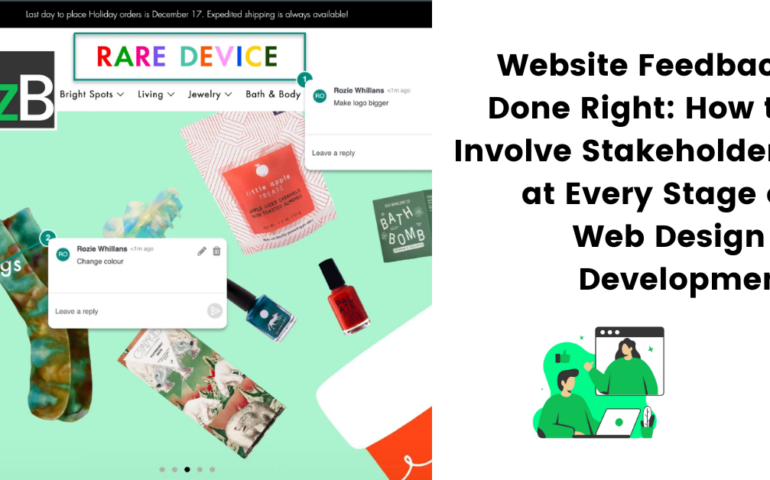
Website Feedback Done Right: How to Involve Stakeholders at Every Stage of Web Design & Development
Website Feedback Shouldn’t Be an Afterthought Are you only collecting website feedback once the site goes live? If so, you’re not alone—but you’re also missing out. Many teams wait until the final stages of development—or worse, until after launch—to ask for feedback. This often leads to last-minute changes, expensive rework, and frustrated clients or users.
07 Oct
The Ultimate Website QA Checklist and Guide for Designers & Developers (Free Excel Template Included)
As a QA Manager or Tester, you’re likely juggling multiple projects, which means you deal with numerous website elements for quality assurance (QA) across projects. This can be overwhelming, lead to high-stress levels, and eventually impact the overall quality of the website you’re supposed to QA or oversee its testing process. That’s why we’ve created