
05 Aug
Sharepoint vs zipBoard Documentation Review
What sets apart SharePoint and zipBoard? SharePoint is an enterprise document repository and intranet designed for content storage, security, and document management. zipBoard is a specialized visual proofing and documentation review platform designed for collaborative markup, issue tracking, and feedback collection across digital assets (PDFs, live websites, images, and e-learning SCORM files). For Microsoft-standardized teams,
30 Jun

Subject Matter Expert (SME) Review: A Complete Guide
What is a Subject Matter Expert (SME) Review? An SME review is the stage where subject matter experts verify that technical content is accurate before publication. Verifies accuracy: Confirms content is factually correct, complete, and safe. Named reviewer: Links the verification to a specific, accountable domain expert. Version control: Locks the exact content version being
02 Jun

Technical Document Review Workflow: Stages, Stakeholders & Approvals
A technical document review workflow is the governed sequence of stages a technical document moves through before publication: peer review, SME review, editorial review, compliance review, and final approval, with defined reviewers, deliverables, and sign-off criteria at every stage. A well-designed workflow gives documentation leads three things: complete review coverage (no SME feedback missed), full
25 Apr
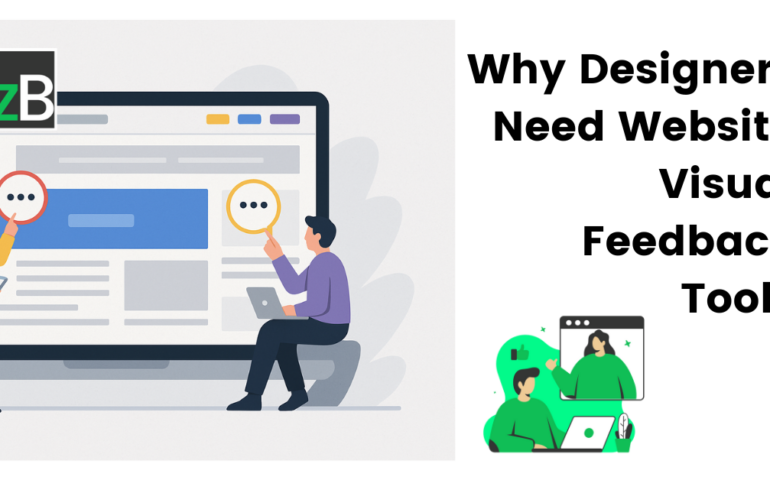
Why Designers Need a Website Visual Feedback Tool: Improve Design Reviews & Client Collaboration
Your Project Plan Is Only Half the Picture You’ve got your project timelines locked down, your sprints mapped out, and your team synced across tools like Jira, Trello, or Asana. But when it’s time for actual feedback—on wireframes, mockups, staging sites—that’s when things get messy. Screenshots fly across Slack. Emails pile up. Comments get buried.
18 Apr
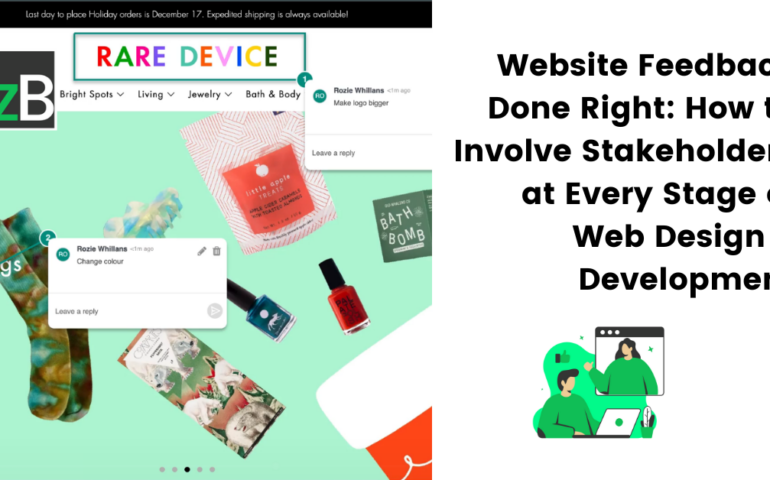
Website Feedback Done Right: How to Involve Stakeholders at Every Stage of Web Design & Development
Website Feedback Shouldn’t Be an Afterthought Are you only collecting website feedback once the site goes live? If so, you’re not alone—but you’re also missing out. Many teams wait until the final stages of development—or worse, until after launch—to ask for feedback. This often leads to last-minute changes, expensive rework, and frustrated clients or users.
28 Mar
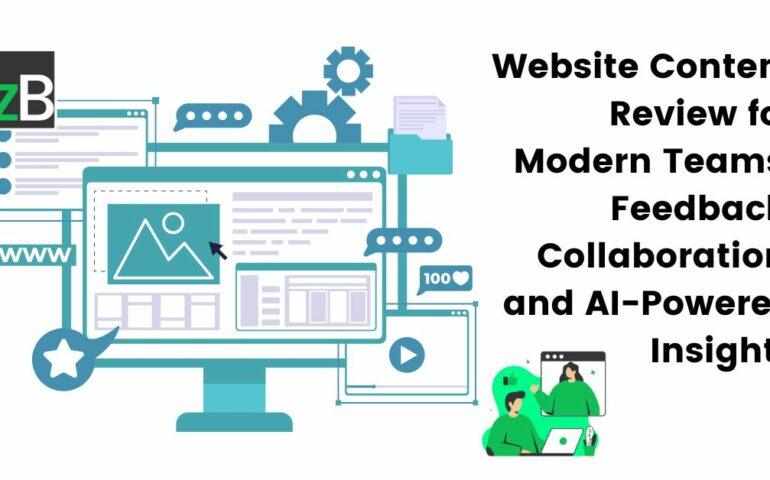
Website Content Review for Modern Teams: Feedback, Collaboration, and AI-Powered Insights
A couple of years ago, I was asked to review and test a website, and the process felt long and exhausting. Why? Because I had to take screenshots of every issue, switch to our communication channel, and manually describe my feedback. Often, I’d forget the exact context behind a screenshot or miss sharing some altogether—there
07 Oct
The Ultimate Website QA Checklist and Guide for Designers & Developers (Free Excel Template Included)
As a QA Manager or Tester, you’re likely juggling multiple projects, which means you deal with numerous website elements for quality assurance (QA) across projects. This can be overwhelming, lead to high-stress levels, and eventually impact the overall quality of the website you’re supposed to QA or oversee its testing process. That’s why we’ve created
05 Sep

Master the Web Design Process: Balance Creativity and Deadlines with zipBoard
Many designers struggle to maintain a consistent creative process in web design while ensuring projects stay on schedule. This often leads to missed deadlines, compromised quality, and ultimately, a less-than-optimal user experience. To curb this, it’s crucial to understand the role creativity plays in the web design process and how you can leverage it to
01 Jul

9 Strategies to Track Project Progress and Ensure Timely Completion
Putting an effective project tracking system in place is one of the most important elements of any development project. It’s all too easy for timelines to slip if you don’t run a tight ship, and that can mean missed deadlines and unhappy clients. In this article, we’ll look at why getting learning how to track project
12 Jun

Incorporating AI into Web Development and Design QA
According to this Stanford report, AI has made significant progress in various fields, including speech recognition, natural language processing, media generation, and more, in the last five years. Today, AI has slowly begun to integrate itself into the daily human experience, including web development and design QA. One of AI’s breakthrough areas is quality assurance.